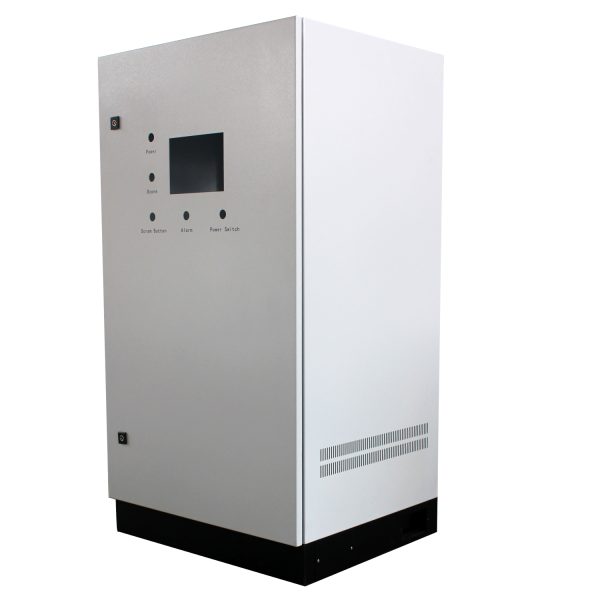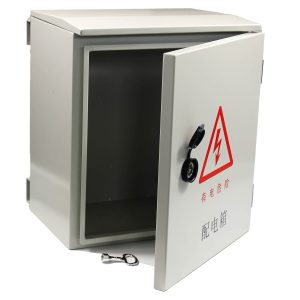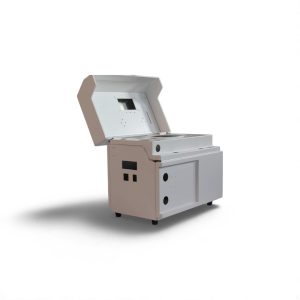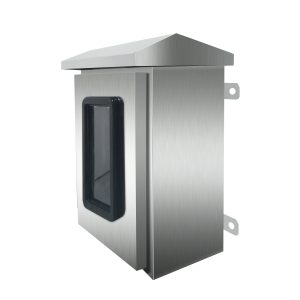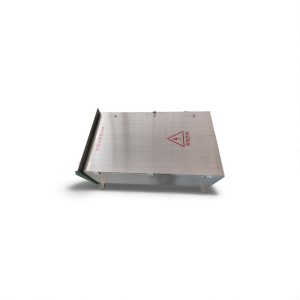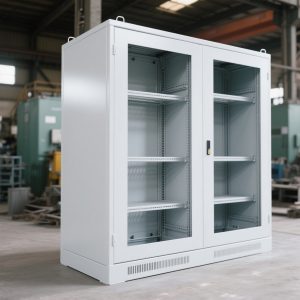

Control devices on operation panels must meet strict standards to ensure safety, usability, and reliability. Below are the essential guidelines:
1. General Guidelines
Control devices should minimize accidental operations using protective measures like positioning mechanisms. Adaptive designs should address user input methods such as touchscreens and keyboards.
2. Installation and Positioning
Control devices must be accessible during maintenance and protected from damage during material handling.
- Manual Controls:
- Installed above 0.6m from the platform, ensuring ease of operation.
- Positioned to avoid hazardous situations during use.
- Foot Controls:
- Located within easy reach and away from danger.
3. Protection
Devices must withstand environmental factors, including corrosive liquids, dust, and gases, with a protection rating of at least IPXXD for exposed controls.
4. Position Sensors
Position sensors must avoid damage from overtravel and offer safety functions like directly cutting off operations when necessary.
5. Portable and Suspended Control Stations
Portable control devices should prevent accidental operations caused by impacts or vibrations, such as drops or collisions.
Detailed Guidelines for Buttons and Indicators
- Button Colors:
- Emergency buttons: Red.
- Start/stop: White, gray, or black.
- Reset: Blue, white, gray, or black.
- Indicators:
- Red for emergencies, yellow for abnormalities, green for normal operations, and blue for mandatory actions.
6. Emergency Controls
- Emergency Stop Devices:
It should be accessible and identifiable, with red actuators against a yellow background.
- Emergency Disconnect Devices:
Require self-locking mechanisms and easily distinguishable placements.
7. Enabling Controls
Enabling devices should adhere to ergonomic principles and reduce failure risks, with clear operational positions.
Conclusion
Adhering to these design and installation principles ensures operational safety and efficiency in control panels. Careful attention to usability, environmental protection, and emergency preparedness helps minimize risks and maximize functionality.
Define the Supply Boundary
State whether the scope is an empty enclosure, mounting hardware or a completed panel. Electrical design, testing and certification responsibilities should be explicit.
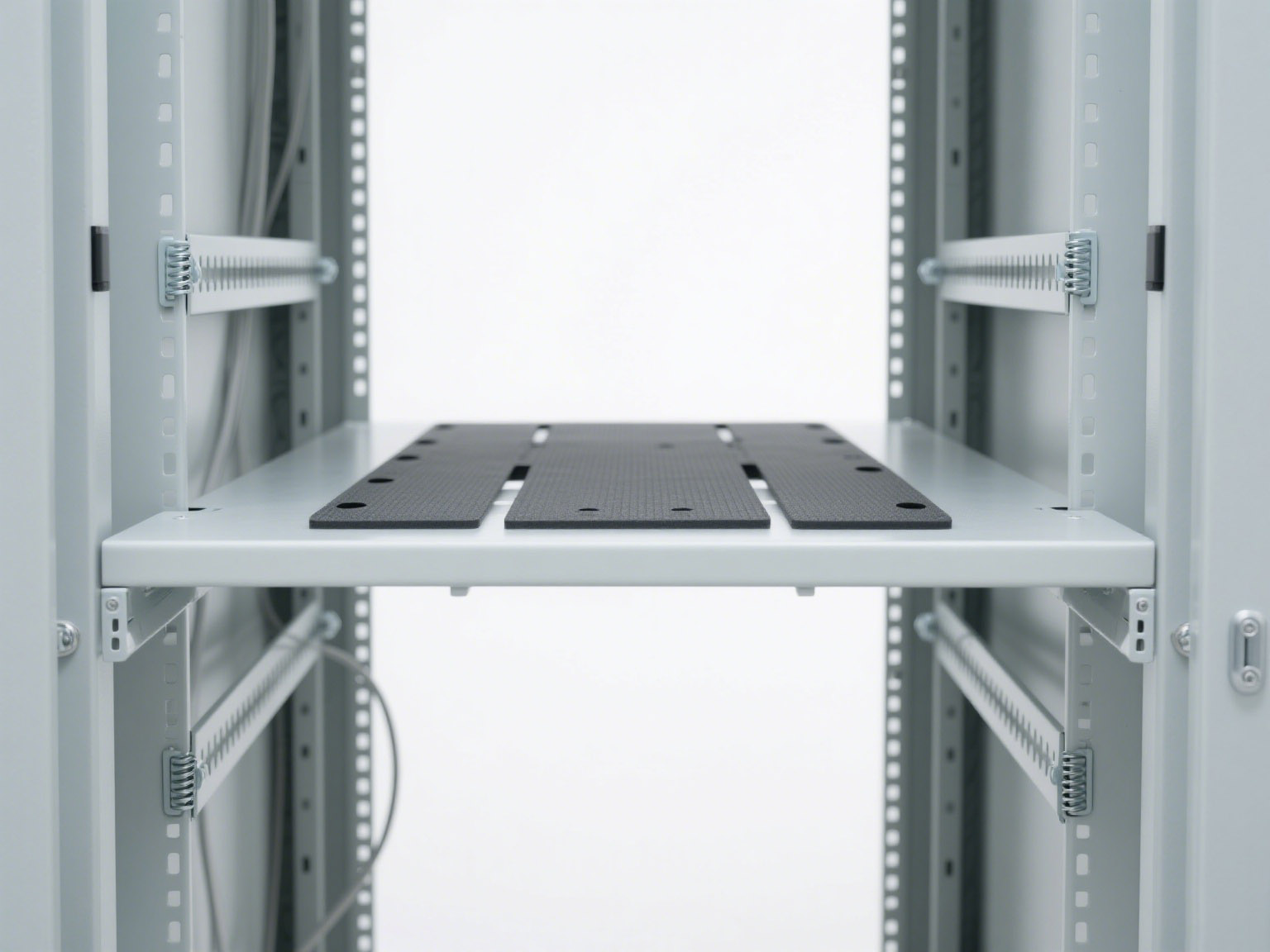
Build the Equipment Layout
Provide component sizes, loads, clearances and door-mounted interfaces. Leave usable space for wiring and service rather than only fitting the equipment outline.
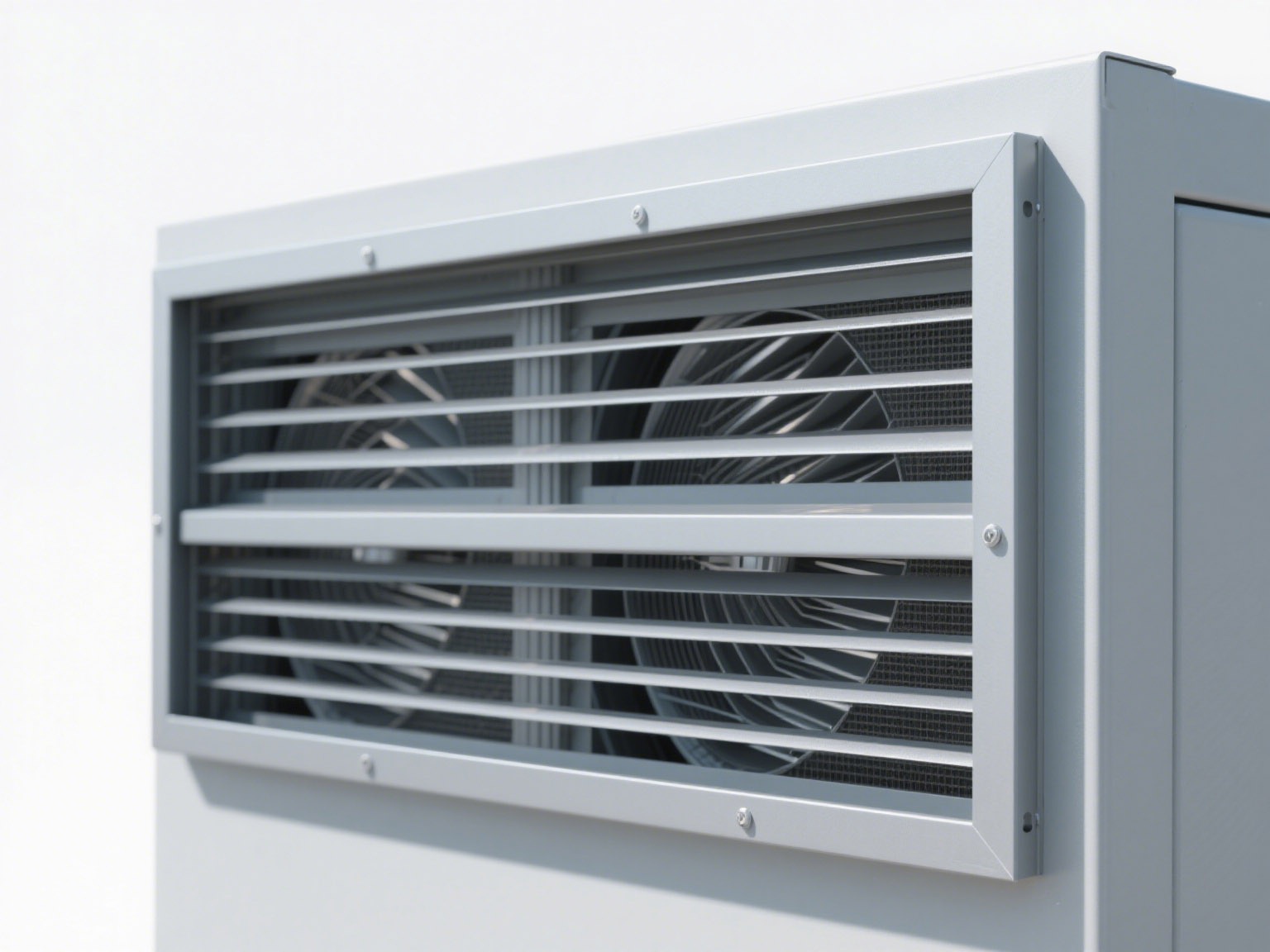
Plan Thermal Management
Use heat losses and ambient range to evaluate spacing, ventilation or cooling. Openings can affect protection and EMC performance.
Coordinate Wiring and Grounding
Define entries, ducts, separation and bonding points. Coatings should not interrupt required conductive interfaces.
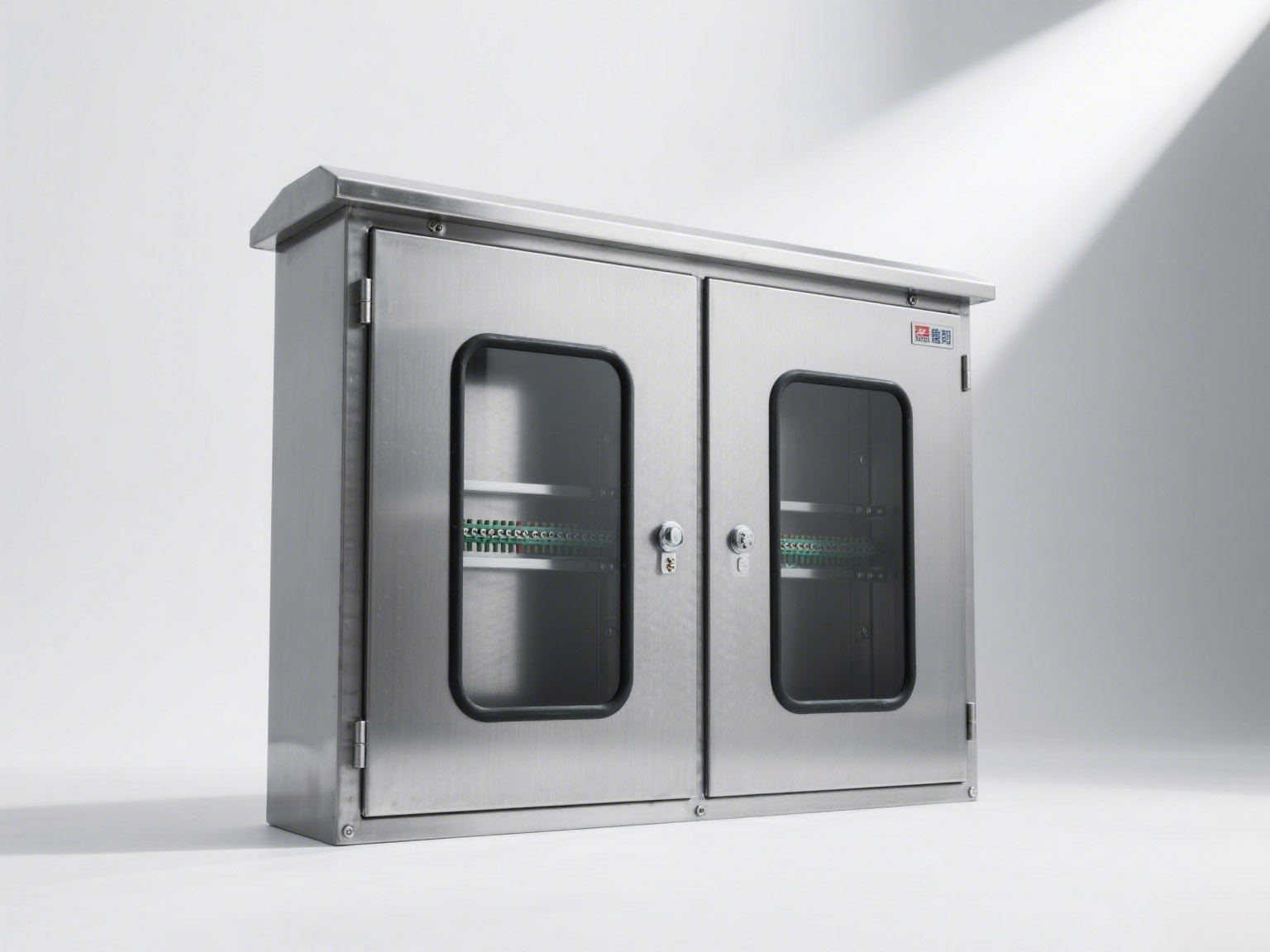
Design for Access and Safety
Check locks, door swing, tool access, labels and replaceable components. Requirements depend on the completed system and applicable standard.
Release the RFQ Package
Include drawings, BOM, material, finish, quantity and verification scope. Review functional requirements and 3D design support. Send files through the contact page.